
Race Lithgow & Bega at Home – Free Kart Racing Pro Tracks
Karting Solutions Blog
Race Lithgow & Bega at Home – Free Kart Racing Pro Tracks
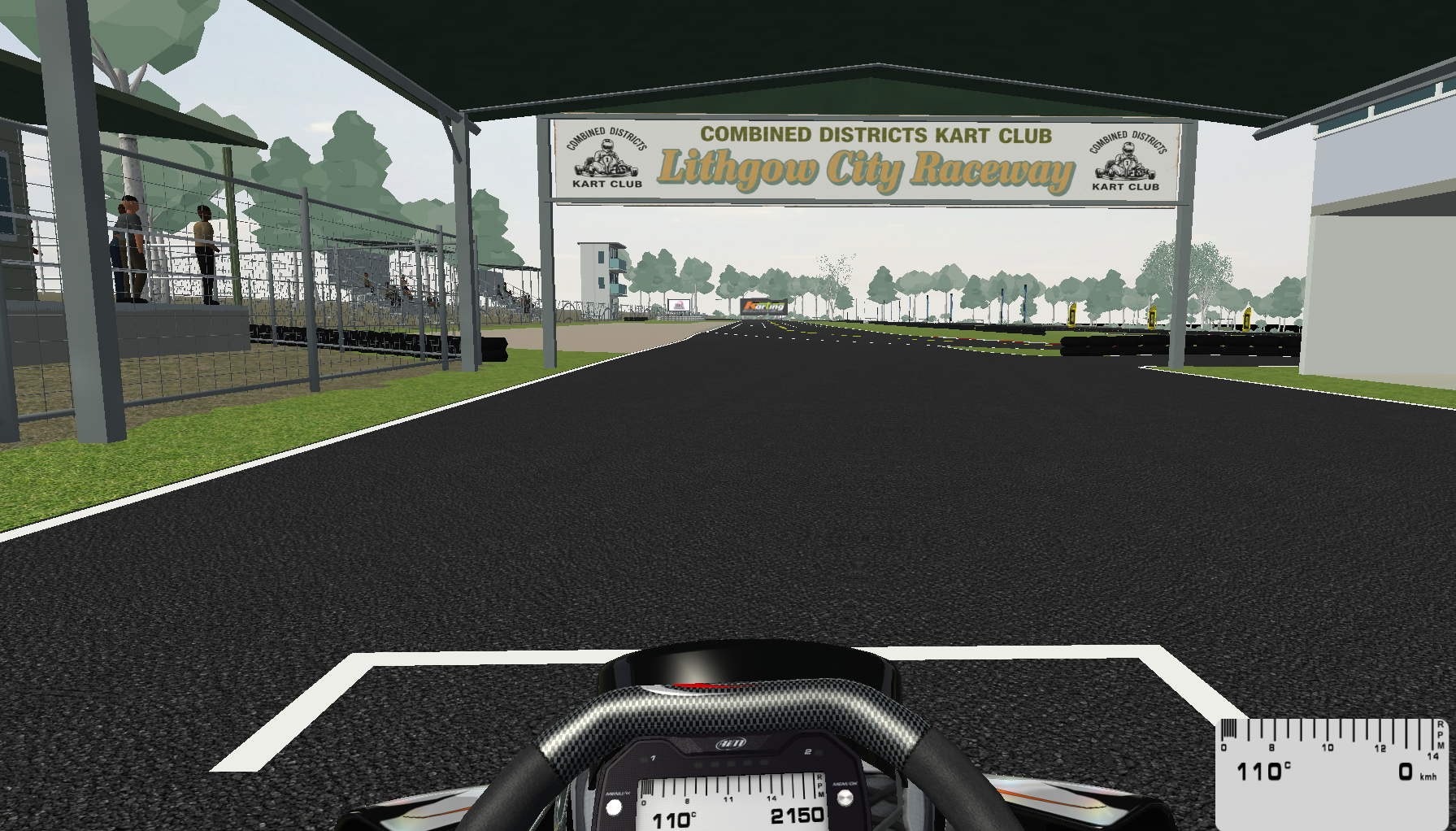
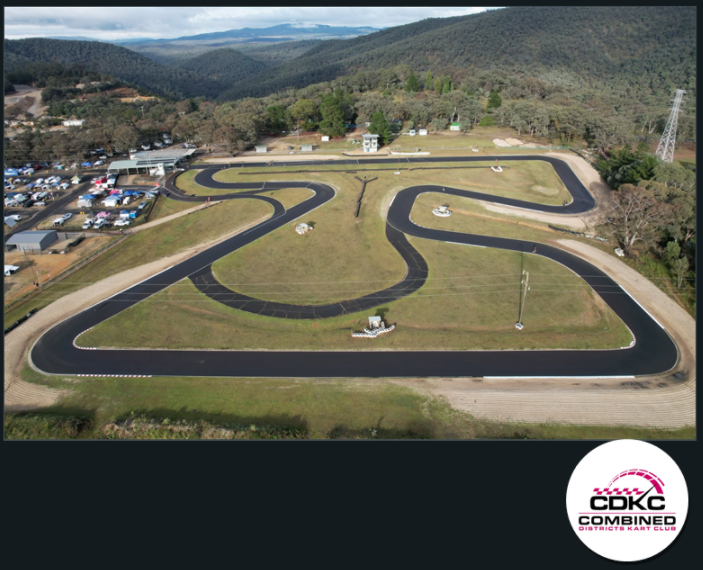
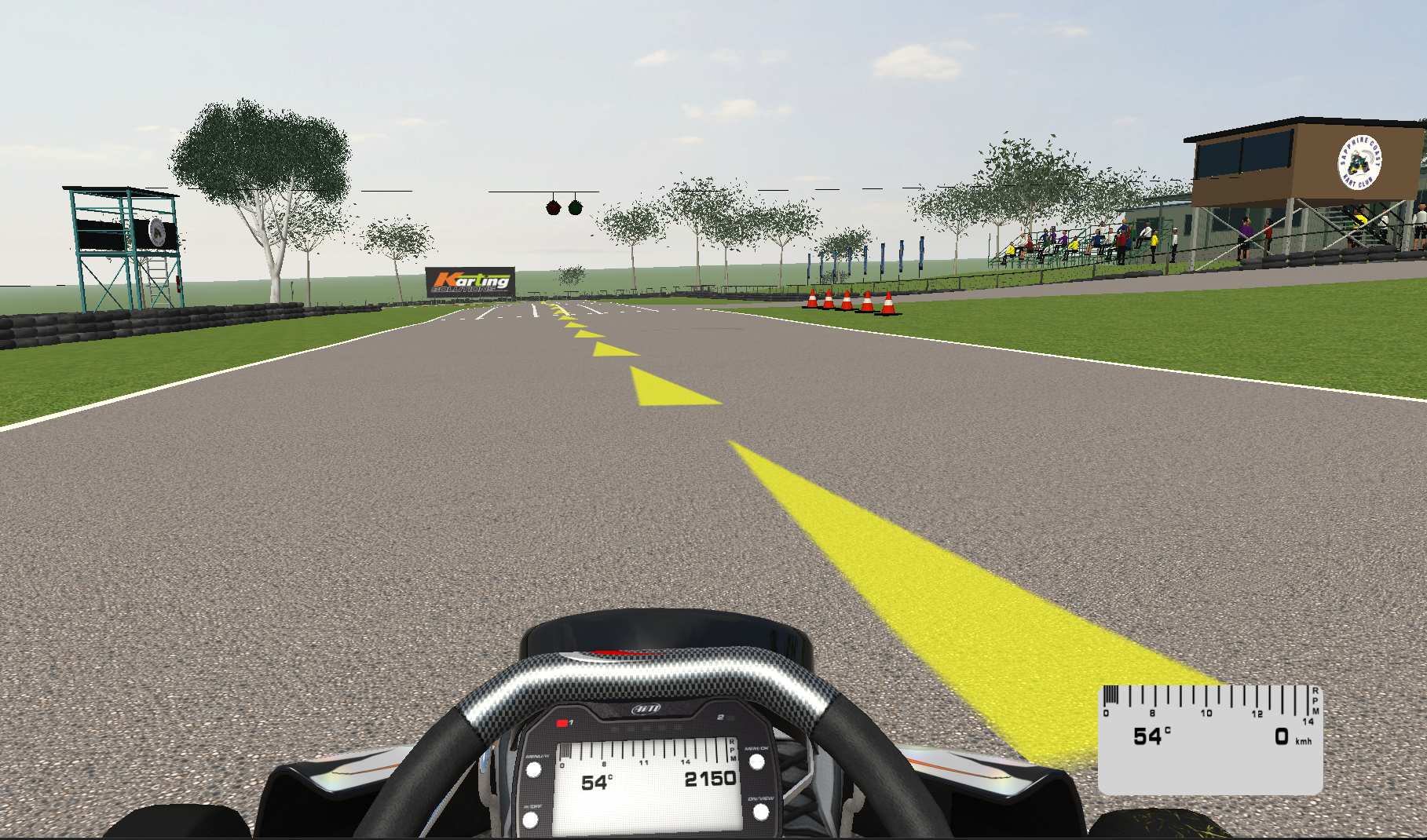
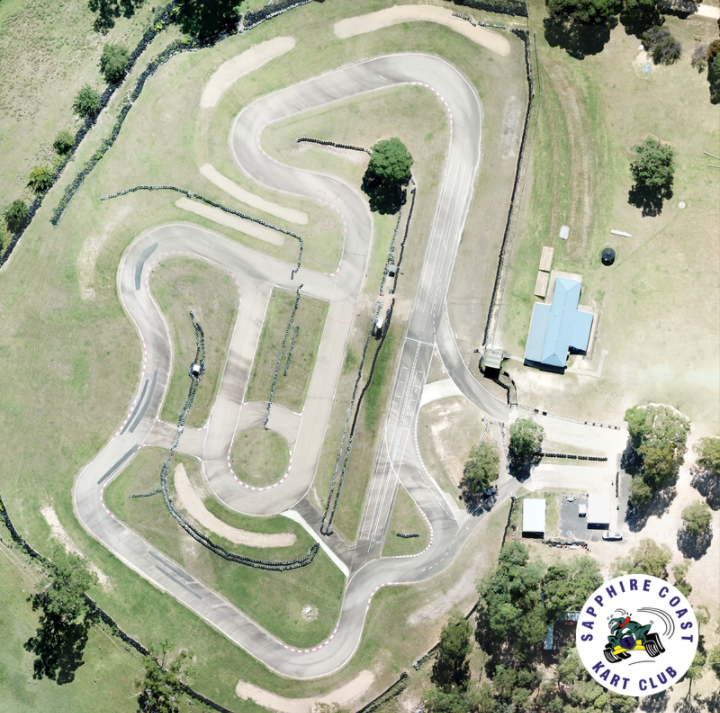
Two Australian kart circuits are available to enjoy in Kart Racing Pro: Lithgow City Raceway and Sapphire Coast Kart Club at Bega. Both are free downloads, developed by Chris Kapp and released in time for the Sapphire Cup and Christmas.
Whether you want to practise the layout of a familiar circuit, turn a few laps for fun or race your mates online, these community-created tracks bring a little more Australian karting to your PC.
A huge thank you to Chris Kapp, a friend and customer of Karting Solutions, for putting the work into developing both circuits and sharing them freely with the karting community.
Lithgow City Raceway – Combined Districts Kart Club
The Lithgow recreation gives local racers a chance to revisit the circuit from home and introduces other Kart Racing Pro players to the Combined Districts Kart Club venue.
Sapphire Coast Kart Club – Bega
The Bega circuit arrives just in time for the Sapphire Cup, giving drivers and supporters an opportunity to explore the layout on screen. It is also a fun addition for anyone planning some racing over the Christmas break.
Download both tracks – free
Open the shared OneDrive folder to download the Lithgow and Bega Kart Racing Pro track files.
DOWNLOAD FREE KRP TRACKSHow to install the tracks (Windows PC)
- Download and close KRP. Save each
.pkztrack file to your computer. Close Kart Racing Pro before installing or updating it. - Find the tracks folder. In Windows File Explorer, open Documents and navigate to:
Create
Documents\PiBoSo\Kart Racing Pro\mods\trackstracksinsidemodsif necessary. IfPiBoSois missing, start KRP once and close it. - Copy the .pkz file directly into tracks. Do not extract the
.pkz, rename it or put it inside another folder. Remove older copies of the same track first. - Start Kart Racing Pro. Go to Testing, open the track selector, choose the circuit and select Start. The in-game name might differ from the file name.
Track not appearing?
If your download is a .zip, .rar or .7z archive, extract only that outer archive and leave the .pkz intact. Check that the track is in your Windows Documents folder (which might be inside OneDrive), not the Steam installation directory. If you have a custom mods location, use its tracks folder.
Restart KRP and keep just one version of each track installed. For online racing, use the same track build as the server.
Acknowledgements
Karting Solutions thanks Chris Kapp for developing and sharing these circuits, and the committees of Combined Districts Kart Club and Sapphire Coast Kart Club for their support. We also thank Karting NSW for authorising the use of official signage in the game.
Karting Solutions
From the track to the sim
Enjoy the tracks, share them with your racing mates and keep an eye on the Karting Solutions blog for more karting news, advice and community projects.
Recent Posts
-
Race Lithgow & Bega at Home – Free Kart Racing Pro Tracks
Karting Solutions Blog Race Lithgow & Bega at Home – Free Kart Racing Pro Tracks Two Australian ka …11th Nov 2026 -
Welcome to the New Karting Solutions Website
Karting Solutions News Welcome to the New Karting Solutions Website Karting Solutions has rebuilt …13th Feb 2025